

产品详情
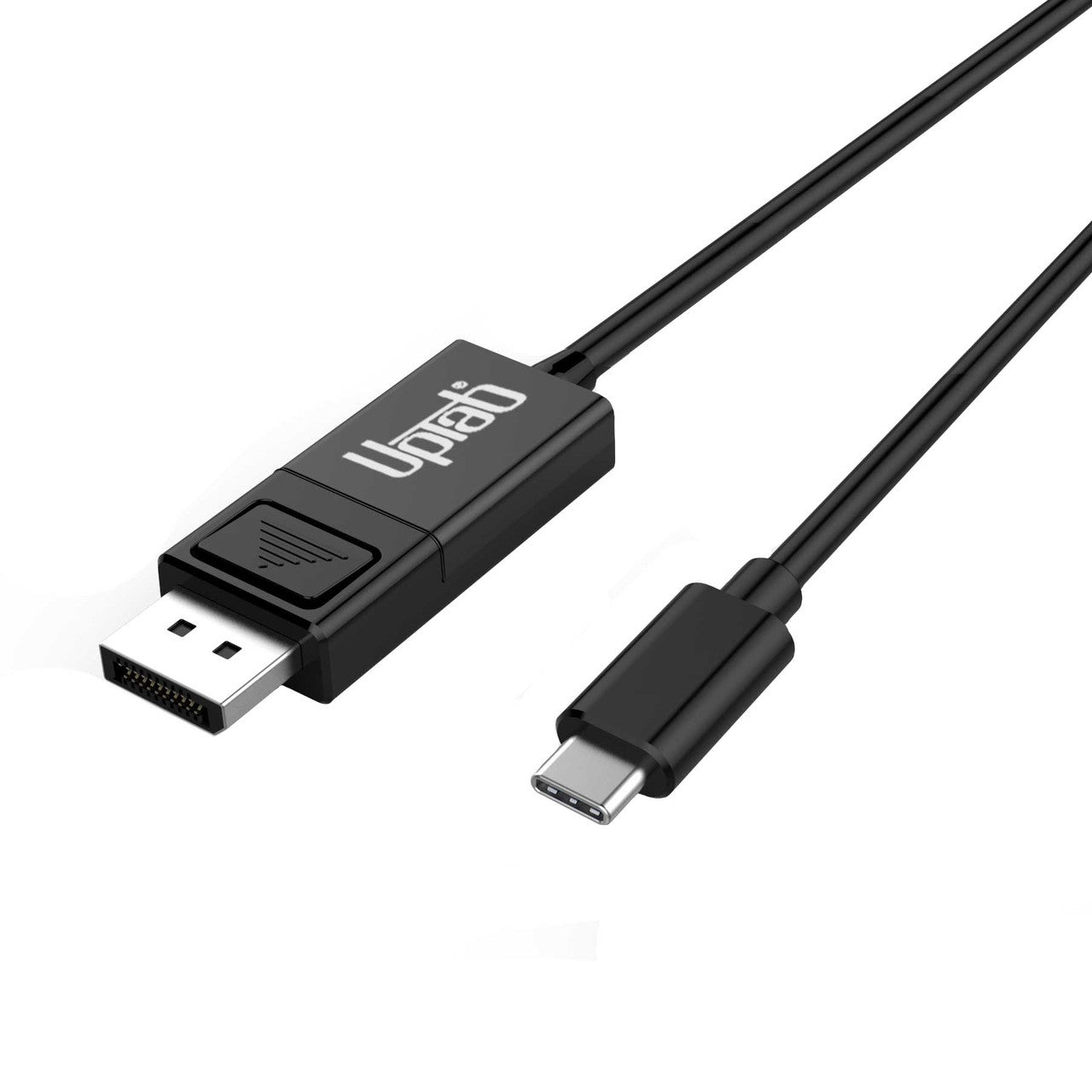
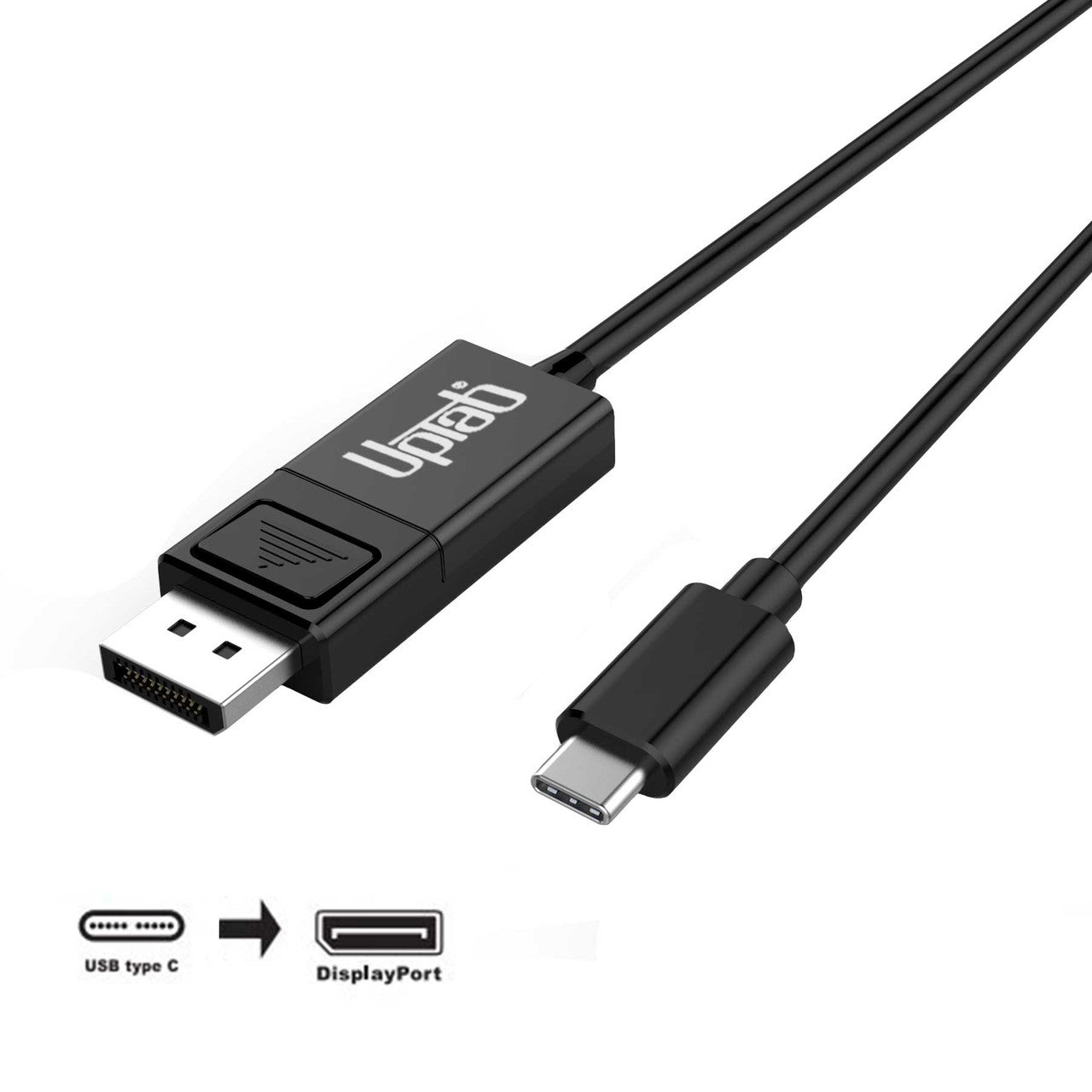
USB-C 到 DisplayPort 有源信号转换器提供了一种简化的解决方案,用于将具有 DisplayPort 备用模式的 USB-C 设备连接到 DisplayPort 1.4 显示器、电视或投影仪。该适配器直接通过 USB-C 端口供电,无需外部电源,并且针对现代笔记本电脑、MacBook Pro 系统和平板电脑的使用进行了优化。

支持高达 120Hz 的 4K UHD 分辨率和 60Hz 的 8K 以及 HDR
USB-C 转 DisplayPort 1.4 线缆支持高达 4K UHD(120Hz)或 8K(60Hz)的超高清分辨率,通过 HDR 提供清晰锐利的图像。每秒 120 帧的速率可确保视频异常流畅。您可以使用该适配器在超高分辨率显示器或电视上通过 USB-C 或 DP 1.4 设备玩游戏、查看或编辑视频或浏览互联网。该适配器支持多达八个音频通道,提供高清数字音频和视频。它不支持双模 DisplayPort (DP++)。
与所有操作系统兼容
USB-C 转 DisplayPort 1.4 线缆支持所有具有 DisplayPort ALT 模式 1.4 和操作系统的 USB-C 和 Thunderbolt 3/4 设备,包括但不限于 macOS、Windows 7、8.1、10、11 和 Google Chrome 操作系统。

规格:
- 输入: USB-C(C 型)或 Thunderbolt 3/4
- 输出: DisplayPort 1.4 8K @ 60Hz 和 HDR
- 支持高达 8K@60Hz 和 3840 x 2160p @ 120Hz 的 UltaHD 分辨率
- 支持 HDR 高动态范围、HDR10、HDR10+ 和杜比视界
- 符合 VESA DisplayPort Alt 模式 1.4 标准
- 由 USB-C 端口供电(无需外部电源)
- 支持高达 1080p @ 120Hz 的 3D 视频格式
- 支持全链路训练和无链路训练
- 音频支持多达8通道LPCM
- 长度:2M/6.56英尺
包装盒内:
- 1 USB-C 转 DisplayPort 1.4 电缆 2M/6.56英尺
如有任何疑问,欢迎随时联系我们。我们将在工作日24小时内尽快回复您。
-
运输信息
我们大多数订单都会在当天处理并发货。配送时间会根据您在结账时选择的配送方式而有所不同。请确保您的收货地址准确无误,以免延误。
-
客户支持
我们的团队随时为您提供帮助!如有任何疑问或需要帮助,请通过电子邮件或联系表格联系我们。我们会尽快回复您。
-
常见问题解答
我的订单什么时候发货?
大多数订单当天即可处理并发出。送达时间取决于您在结账时选择的配送方式。
你们的退货政策是什么?
商品可在30天内退回,但必须保持原包装,并包含所有配件。 -
联系我们
有疑问或需要帮助?我们随时为您服务。
周一至周五上午 9 点至下午 5 点(美国东部标准时间)提供客户服务
电子邮件: cs@uptab.com
电话:1 (877) 333-1505
或者使用我们的 联系表格我们会尽快回复。
It is a good looking cable, well made for what it is, good fit and finish. Ends are quality as well. Sadly though I won't be able to use it. I had planned to use it from a display port on my PC to a USB-C on my monitor. Won't work, so wasted time on this one. As another reviewer said, NO where does it state it is not bi-directional anywhere on this page, I've read it a couple times. You only find out after you buy it and get it. That's not cool at all.


I selected this UpTab cable because it is listed as a "DisplayPort to USB-C or USB-C to DisplayPort" cable and the slightly bulky DisplayPort connector made me think it'd work to convert DisplayPort output to a USB C monitor I have. The listing photo even has "bi-directional" silkscreened on the USB C end of the cable. Upon arrival, a sticker makes very clear that the DisplayPort source direction won't work and the USB C end of the actual cable lacks that silkscreen. I made an attempt at using it in DP to USB-C mode and there was no detection.The cable itself is fairly thin, has a latching-type DisplayPort connector with a very hollow-feeling plastic connector body, and seems fine as an inexpensive conversion cable. The latch is more difficult to actuate on this cable compared to others, possibly due to the smaller tab and reduced leverage. The only times I have found the locking tab helpful is when I adjust the height or rotate my monitor with a DP cable attached.I was able to test the cable with a USB C/Thunderbolt 3 laptop to drive a KVM feeding a 1200p 60hz DisplayPort monitor to confirm that the cable is functional in that single direction, but I feel misled in my selection and have far less use for this cable as USB C to DP. If the product's capabilities were listed more accurately, I'd rate it higher than 2 stars but there's nothing particularly compelling about this as a USB C to DisplayPort 2 meter long cable. It doesn't feel particularly sturdy compared to other cables that handle DisplayPort signals and the cable seems thinner than most.


Nice product. Works well and is well made.
I have used it with my MBP M1 and a 4K 60Hz monitor and it works perfectly fine. However, there are cheaper alternatives available. In terms of the product itself, I am quite satisfied with it, except for the price.
The description on the page states this is bi-directional. The package states exactly the opposite. There's even a note on the back that states "This cable is NOT bi-directional. It only operates from an USB-C source to a DisplayPort monitor."
I was having issues with using AirPlay with iPad Pro while editing videos. I could notice compression artifacts when transitioning screens, switching apps, etc. I then tried HDMI out to my monitor, which had a horrible issue not being full screen--I'm talking black borders all around the image. I did not have height exceptions with this cable, but I did have an extra video port on the monitor that is DisplayPort. Right away I noticed the difference: 1) No black borders, and 2) much better video quality than AirPlay. This is an outstanding product.
满 50 美元免运费
大多数订单当天发货